Plans and billing
Plans
Every plan includes facets, synonyms, ranking rules, autocomplete, analytics and MCP access. Plans differ in four quotas: documents, searches a month, indices and seats.
Loading plans…
A plan belongs to an organization and covers all its projects. A new account starts on Free. Enterprise has custom limits; in the cabinet, Contact us writes to sales.
Usage
The cabinet's Billing page, under the organization, shows the current plan, the usage of this calendar month (UTC) against each quota, plan changes and invoices.
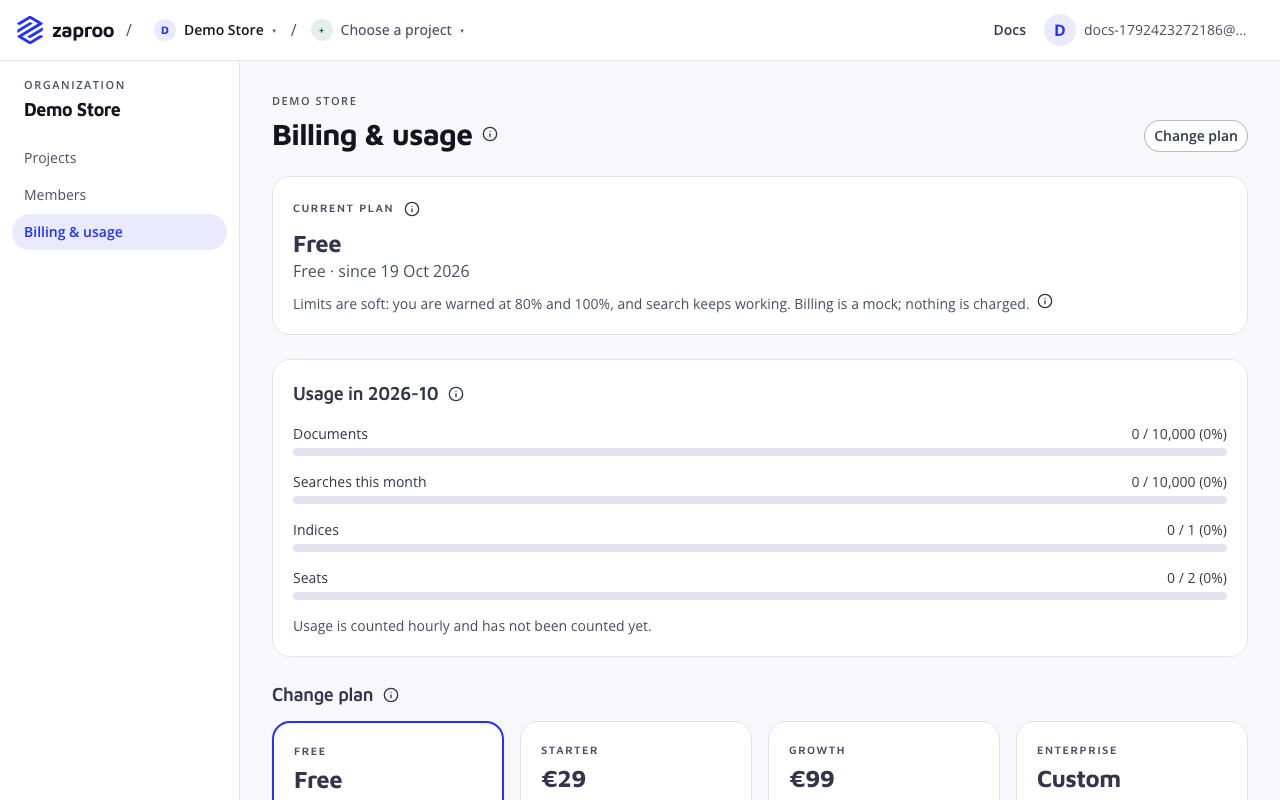
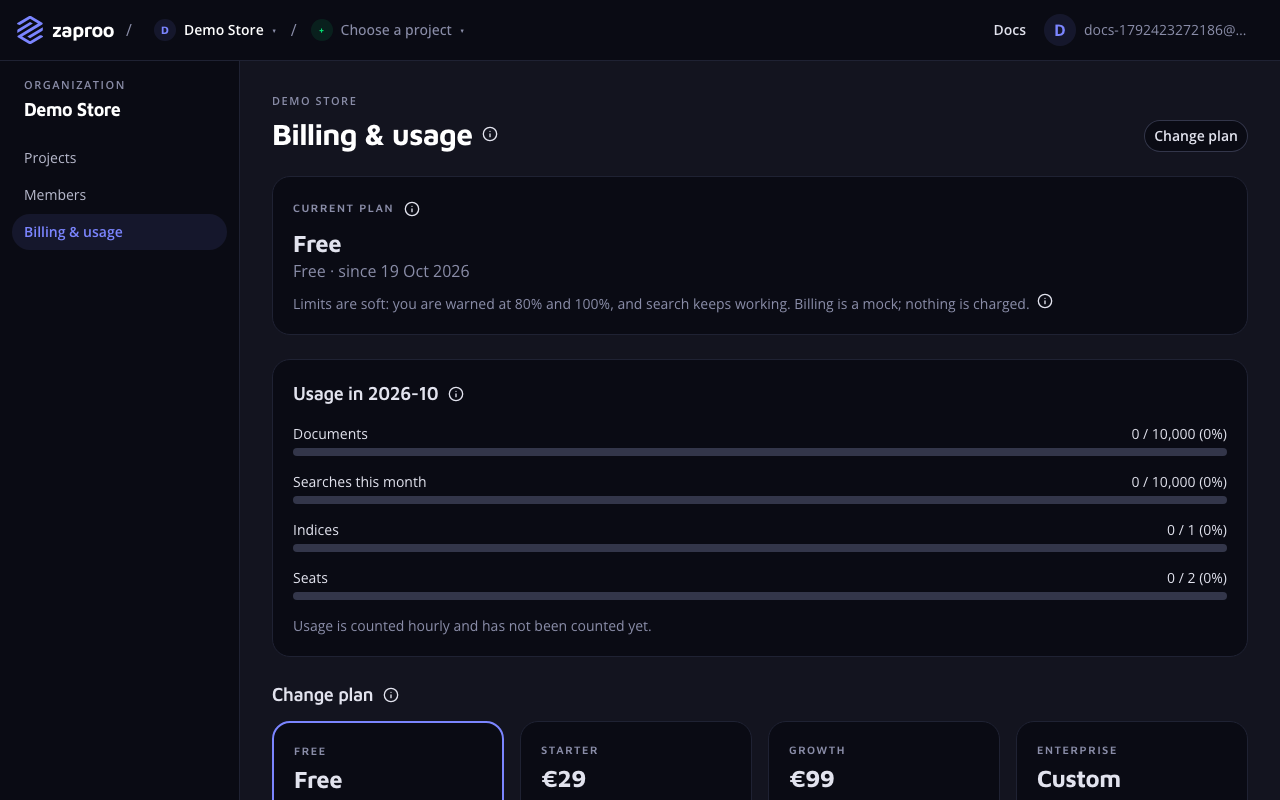 The current plan, its usage and the plans to change to
| Quota | How it is counted |
|---|---|
| Documents | The documents stored in all indices of the organization, at the last count. |
| Searches a month | Every search with a saved profile in the calendar month, summed. Autocomplete requests do not count. |
| Indices | The indices of the organization, at the last count. |
| Seats | The members of the organization, at the last count. |
Usage updates hourly
Usage is rolled up every hour, at five past the hour (UTC). The billing page shows when it was last updated, so a burst of searches shows up within the hour, not at once.
Quotas are soft
Nothing is blocked when you reach a quota. Search, uploads and the cabinet keep working.
- At 80% of a quota, the billing page shows a warning and the organization's owners and admins get one email.
- At 100%, the warning changes and they get one more email.
Each email goes out once per quota and month. Usage past 100% is shown as it is, for example 130%. Consider a larger plan when a quota stays near its limit. A Zaproo administrator can also set custom limits for an organization; the billing page marks those.
Changing the plan
An organization admin changes the plan under Change plan on the billing page. The change takes effect at once.
If someone else changed the plan at the same moment, the cabinet asks you to reload and try again. The plan cannot be changed while Zaproo support is signed in as you.
Proration
When a plan with a price is involved, the change issues a proration invoice right away with two lines:
- A credit for the old plan's unused days of this month.
- A charge for the new plan's remaining days of this month.
Both count the day of the change. Each line is the monthly price times the days left divided by the days in the month, rounded half up to the cent. Free and Enterprise count as zero.
For example, from Starter (EUR 29) to Growth (EUR 99) on 16 October, with 16 of 31 days left: a credit of EUR 14.97, a charge of EUR 51.10, an invoice of EUR 36.13. A downgrade gives a negative total, a credit.
Invoices
- On the 1st of each month (00:15 UTC), every organization that was on a paid plan when the month began gets an invoice for the month, at the full price of its plan.
- An organization that changed plan during the previous month was billed for its days on the new plan by the proration invoice, and gets the full monthly invoice from the next month on.
- Amounts are in euros. The billing page lists the last 24 invoices; each one downloads as a PDF.